Create the workspace
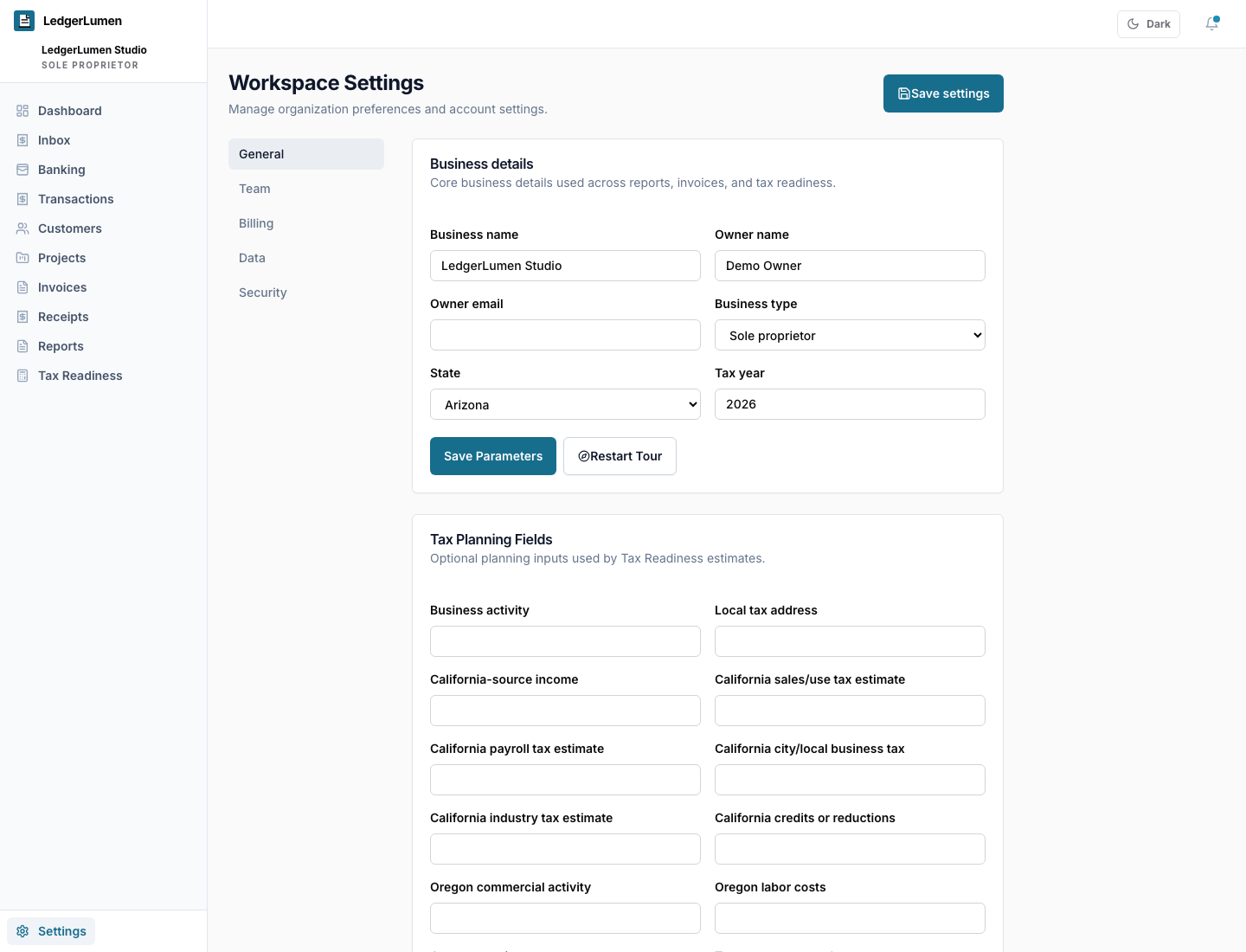
Sign in, name the business, and confirm the basic business context LedgerLumen uses to shape the workspace. No payment card is required during current MVP access.
Getting started
Start with the records you already have, then build a repeatable review habit.
A new LedgerLumen workspace can start from manual records, CSV imports, receipts, invoices, projects, or an optional bank connection. Setup does not require a bank connection or payment card during MVP access.
At a glance
Sign in, name the business, and confirm the basic business context LedgerLumen uses to shape the workspace. No payment card is required during current MVP access.
Start with a bank connection only if it helps. CSV imports, receipts, invoices, projects, and manual records remain valid starting points.
Use the review flow to find uncategorized transactions, missing receipt proof, overdue invoices, import cleanup, and tax-time context.
Receipt proof supports expense review, but private documents do not belong in support email. Use in-app upload paths when available.
Invite a bookkeeper, CPA, tax preparer, or staff member only when the workspace has enough useful context and the role is appropriate.
Use reports and exports to package records for a bookkeeper, CPA, enrolled agent, or tax preparer without claiming the software replaces professional advice.
MVP support can help with setup, workflow fit, feedback, and security questions. It does not replace professional bookkeeping, tax, legal, or accounting advice.
Trust and fit
Related pages