Preview before records matter
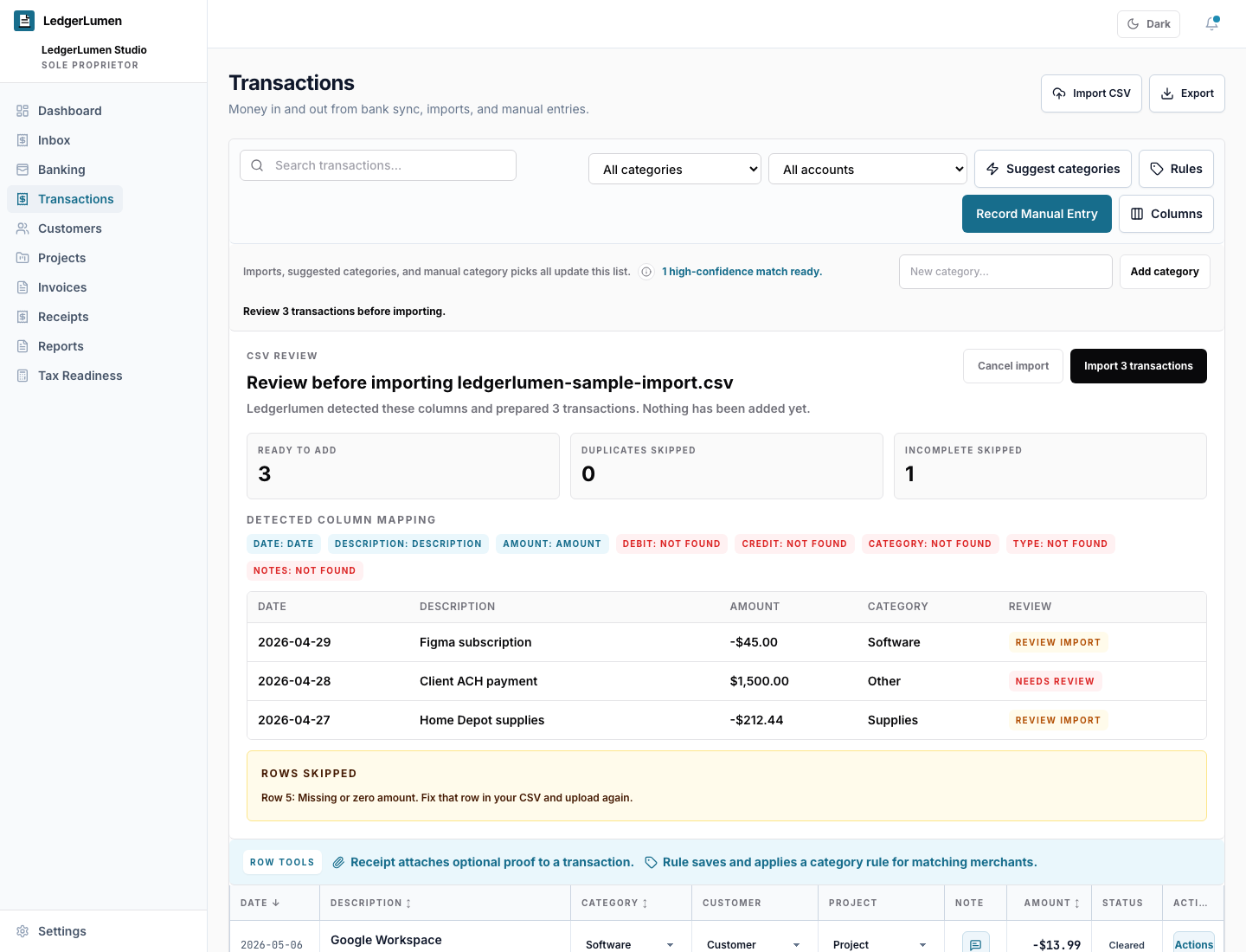
Imported rows can be reviewed before they become part of the working bookkeeping flow.
CSV import
Start with the records you already have, even if they live in a spreadsheet today.
LedgerLumen supports CSV imports so owners can bring in transaction records from spreadsheets, banks, or older tools, then review categories and cleanup issues.
At a glance
Imported rows can be reviewed before they become part of the working bookkeeping flow.
CSV review helps owners map dates, descriptions, amounts, and categories without rebuilding a spreadsheet by hand.
Owners can keep using manual and CSV workflows even if they never connect a bank account.
Trust and fit
Related pages