Start from existing records
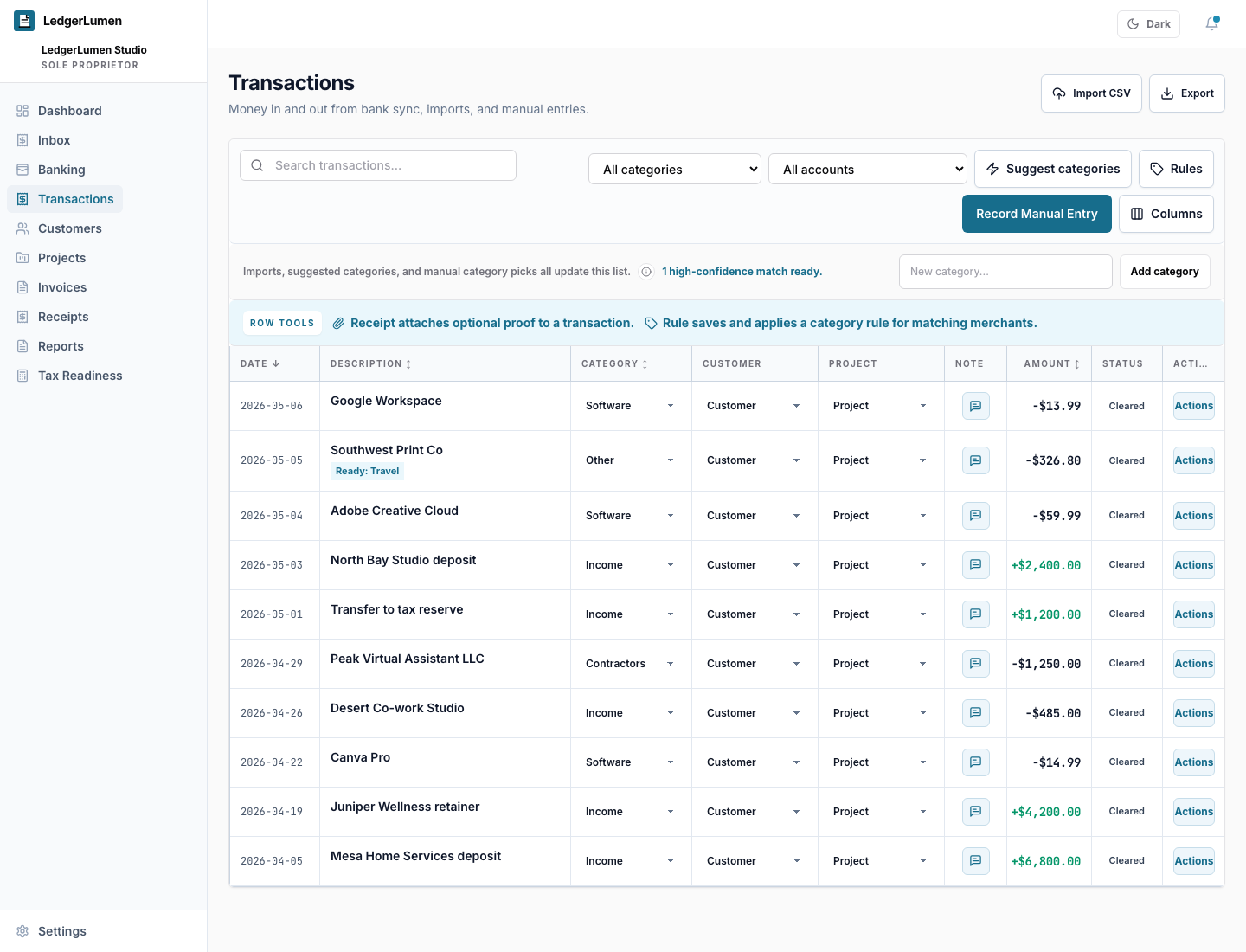
The walkthrough begins with a CSV import because many owners already have bank exports, spreadsheets, or older bookkeeping data.
Product demo
Clean up a five-property workspace from CSV import to property reports.
Watch how mixed bank records become categorized transactions, property project activity, and reports an owner can review before advisor handoff.
Product walkthrough
At a glance
The walkthrough begins with a CSV import because many owners already have bank exports, spreadsheets, or older bookkeeping data.
Automatic suggestions help with obvious categories while manual edits keep judgment-heavy rows under the owner’s control.
Assignments to property projects turn mixed transactions into income, cost, net, and report views by property.
Trust and fit
Related pages