Provider handles sign-in
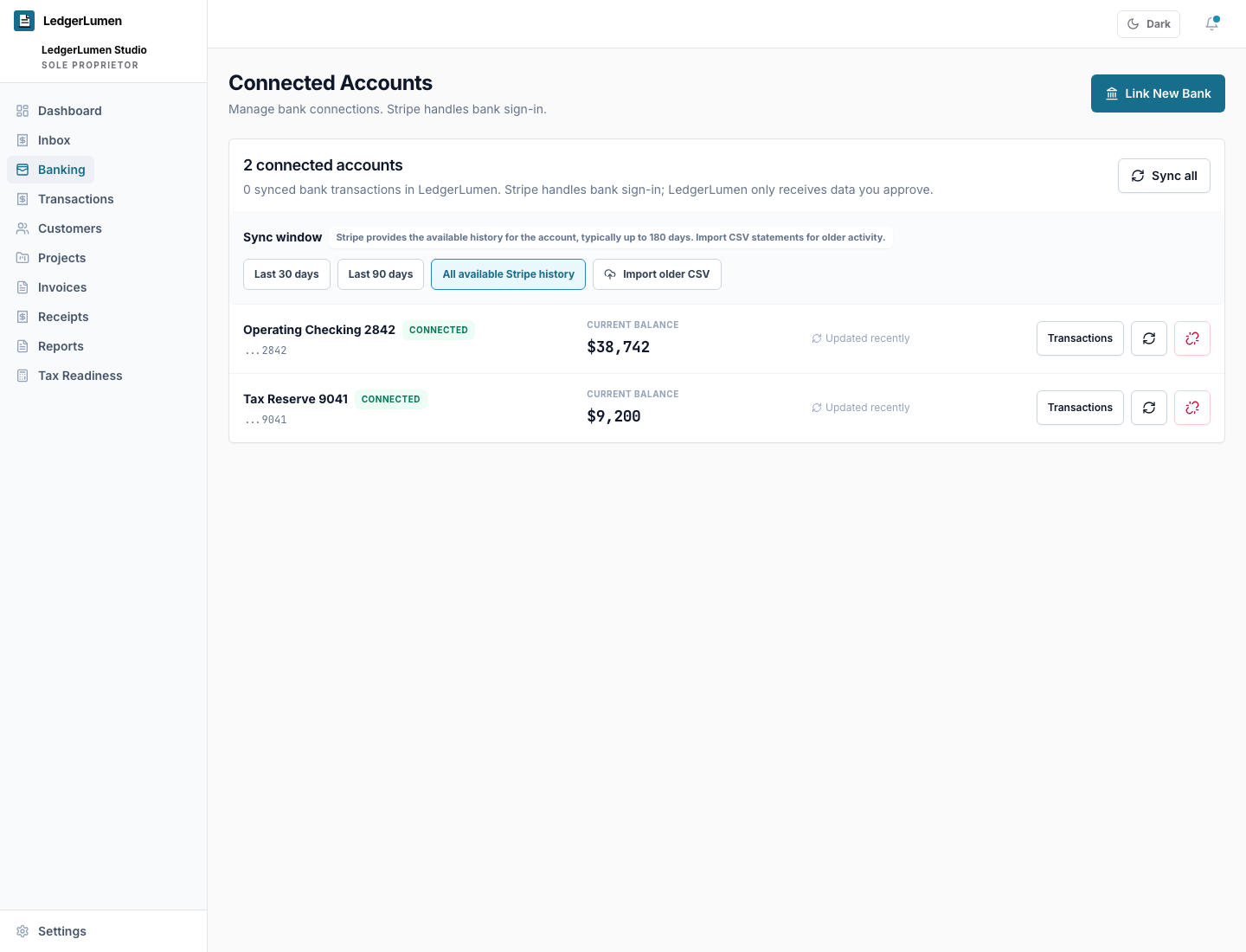
Supported providers such as Plaid or Stripe Financial Connections present the bank sign-in flow when an account is connected.
Bank connections
Connect a bank when it helps. Start without one when that is better.
LedgerLumen bank connection is optional. When configured, supported providers such as Plaid or Stripe Financial Connections handle bank sign-in, and LedgerLumen does not store bank passwords.
At a glance
Supported providers such as Plaid or Stripe Financial Connections present the bank sign-in flow when an account is connected.
Owners can still use CSV imports, receipts, invoices, projects, and manual records without bank sync.
Bank activity still needs category review, receipt proof, and tax-prep context before it is useful.
Unlinking a bank account preserves imported transactions by default so the bookkeeping history is not casually erased.
Buyer questions
LedgerLumen supports provider-based bank connections such as Plaid and Stripe Financial Connections when configured. Availability depends on the active environment, provider setup, and the financial institution.
No. CSV imports, manual records, receipts, invoices, and projects remain valid starting paths.
No. LedgerLumen organizes bookkeeping records. It does not move money or act as a bank.
Imported transactions are preserved by default so owners can keep their bookkeeping history while disconnecting future sync.
Trust and fit
Related pages